In these days i’m working on a new Catalyst Center project where i need to replace an active DN2-HW single-node appliance with a DN3-HW three-node cluster. To achieve this goal i decide to create and upgrade the cluster in my company lab and then i will restore the last backup from the single-node appliance when i will install the new cluster to the customer datacenter.
Obviously i cannot use the customer network settings in my lab otherwise i will never reach the Cisco public catalog server useful for the system upgrade but i need to find a way to modify those network setting after the initial setup.
To accomplish this task i can follow 2 different ways:
- SSH to the node subsystem
- Use the server CIMC
SSH to the node subsystem
Catalyst Center use a Linux subsystem you can access to, using a special username called “maglev” and specific tcp port 2222. The system let you run some typical maintenance commands:
$ ?
Help:
  cat                  concatenate and print files in restricted mode
  clear                clear the terminal screen
  date                 display the current time in the given FORMAT, or set the system date
  debug                enable console debug logs
  df                   file system information
  dmesg                print or control the kernel ring buffer.
  du                   summarize disk usage of the set of FILEs, recursively for directories.
  free                 quick summary of memory usage
  history              enable shell commands history
  htop                 interactive process viewer.
  ip                   print routing, network devices, interfaces and tunnels.
  last                 show a listing of last logged in users.
  ls                   restricted file system view chrooted to maglev Home
  lscpu                print information about the CPU architecture.
  magctl               tool to manage a Maglev deployment
  maglev               maglev admin commands
  maglev-config        tool to configure a Maglev deployment
  manufacture_check    tool to perform manufacturing checks
  netstat              print networking information.
  nslookup             query Internet name servers interactively.
  ntpq                 standard NTP query program.
  ping                 send ICMP ECHO_REQUEST to network hosts.
  ps                   check status of active processes in the system
  rca                  root cause analysis collection utilities
  reboot               Reboot the machine
  rm                   delete files in restricted mode
  route                print the IP routing table.
  runonce              Execute runonce scripts
  scp                  restricted secure copy
  sftp                 secure file transfer
  shutdown             Shutdown the machine
  ssh                  OpenSSH SSH client.
  tail                 Print the last 10 lines of each FILE to standard output
  top                  display sorted list of system processes
  traceroute           print the route packets trace to network host.
  uname                print system information.
  uptime               tell how long the system has been running.
  vi                   text editor
  w                    show who is logged on and what they are doing.
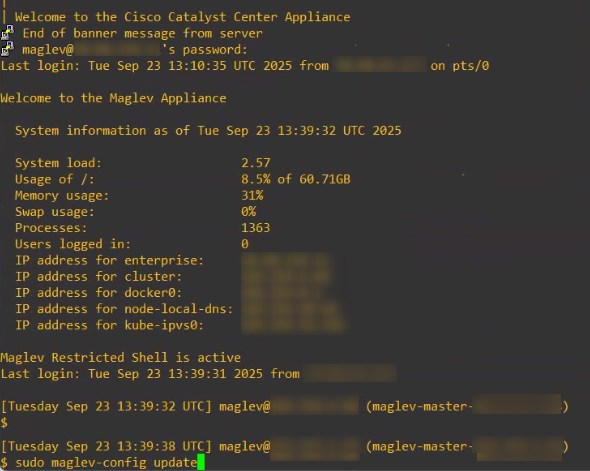
The command we need to update our system settings is “sudo maglev-config update”, after that a CLI wizard will appear and will guide you through the change process:
Use the server CIMC
Sometimes yon cannot access the maglev subsystem via SSH (e.g. your firewall blocks the connections to port tcp 2222) so you can access the UCS CIMC interface and launch the vKVM:
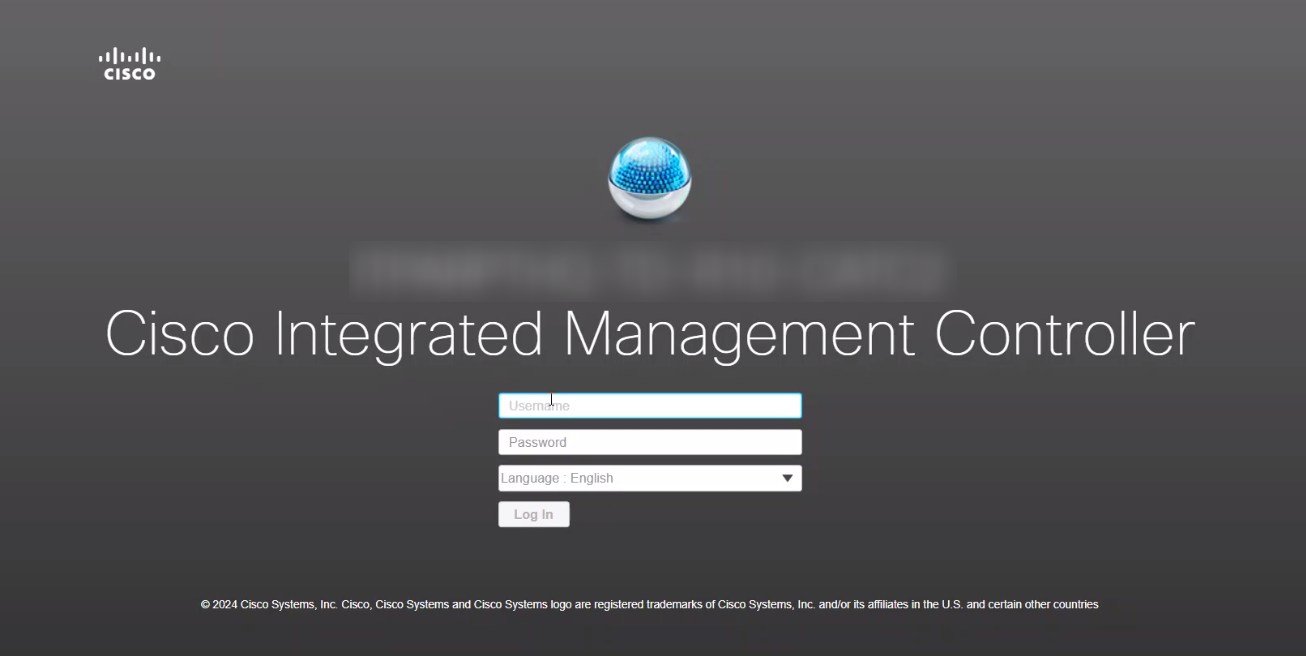
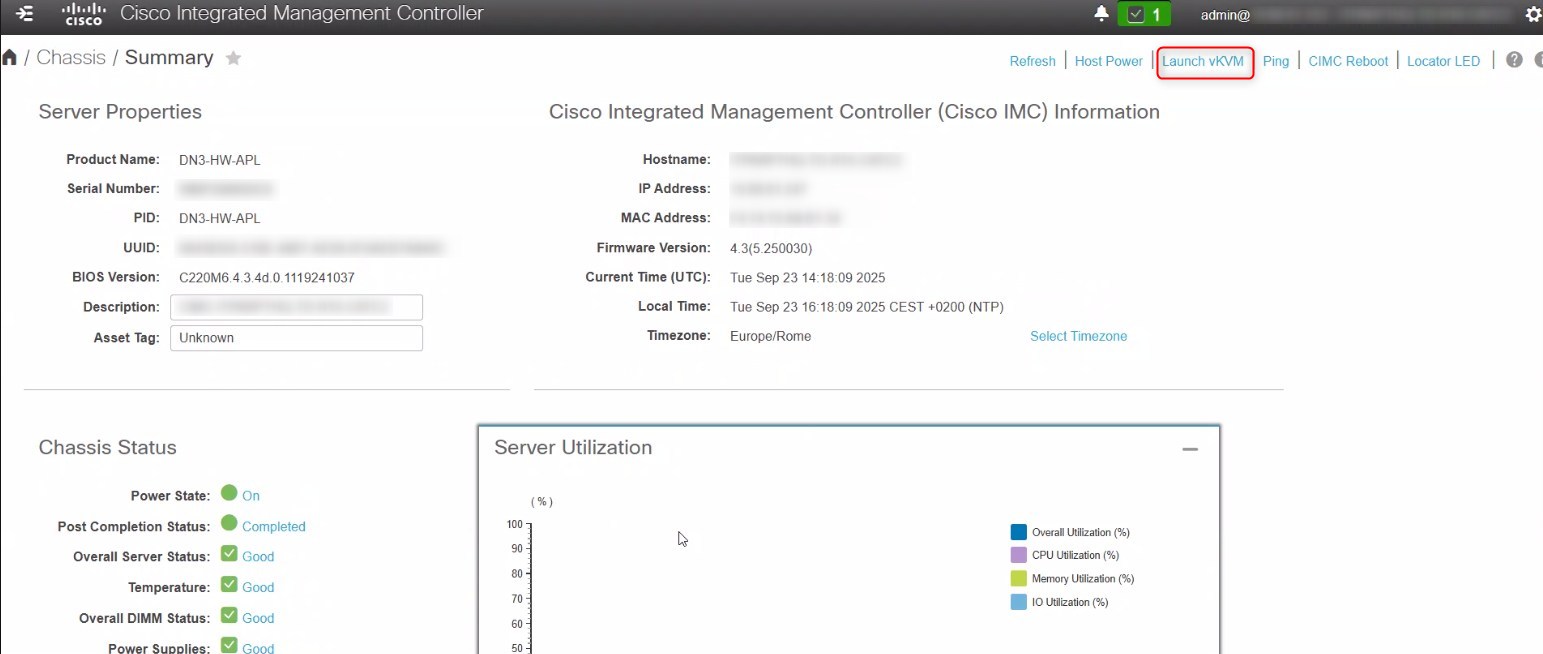
the KVM (Kernel-based Virtual Machine) will show you the maglev subsytem and, once you are in, let you run the “sudo maglev-config update” command:
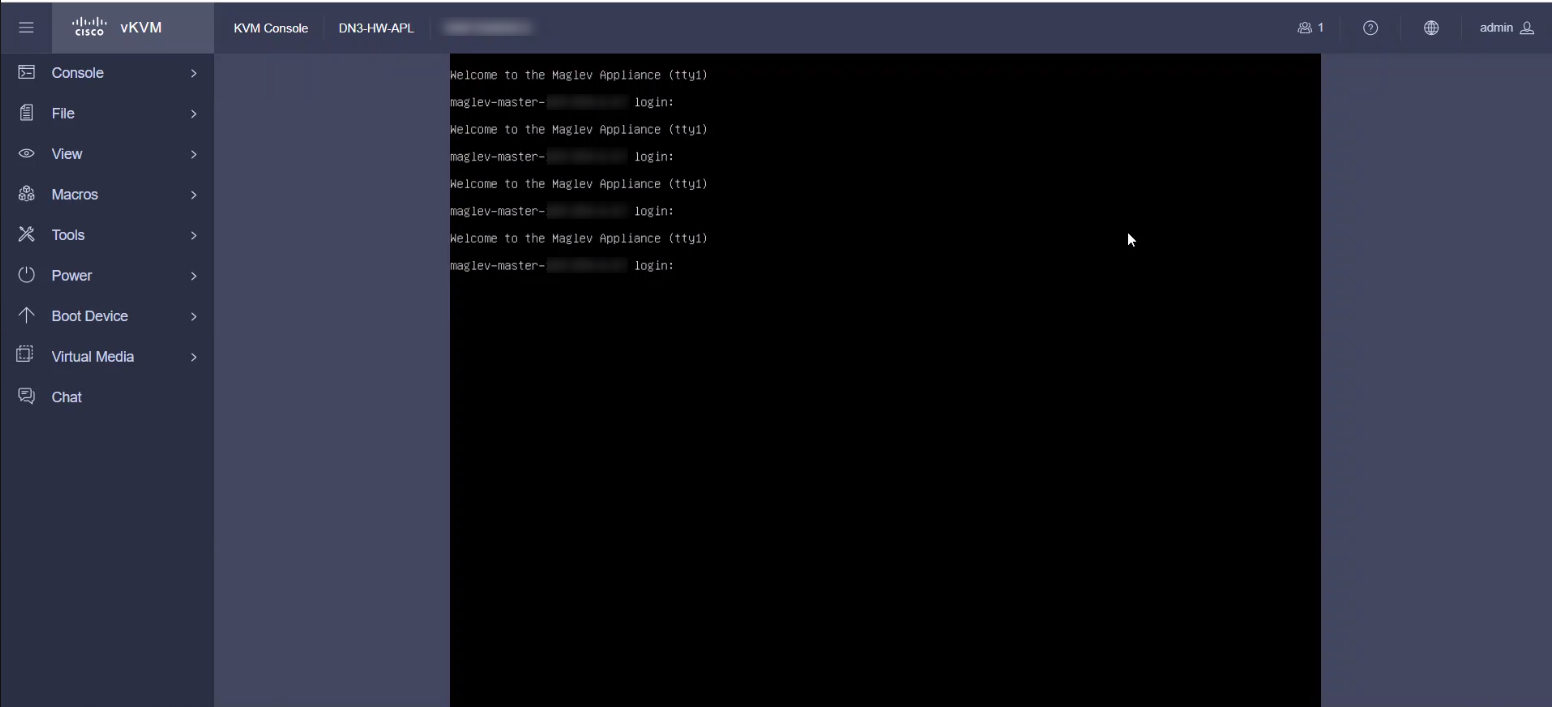
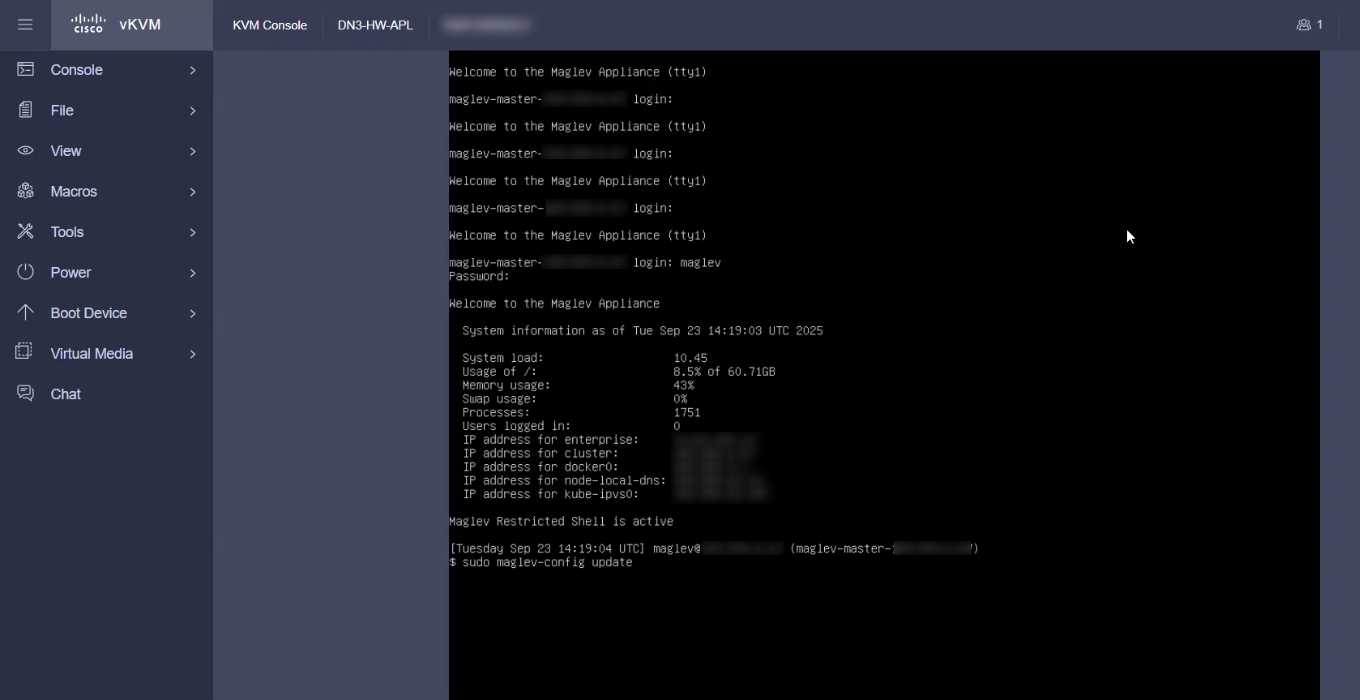
Maglev-config wizard
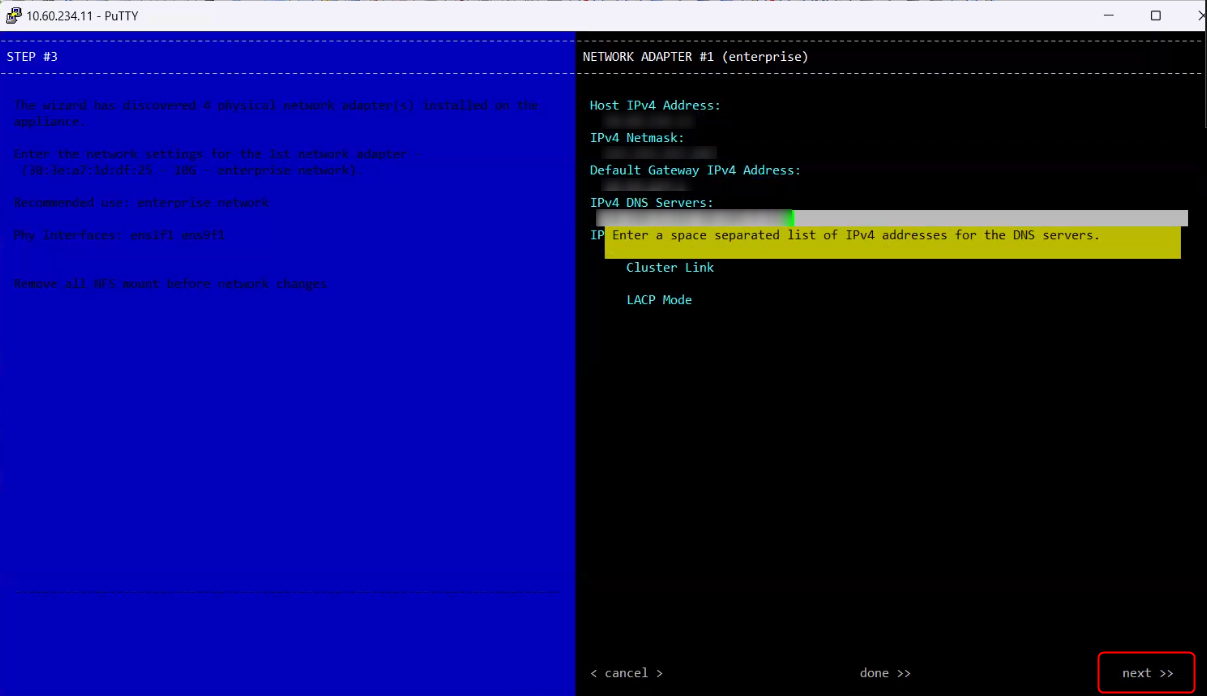
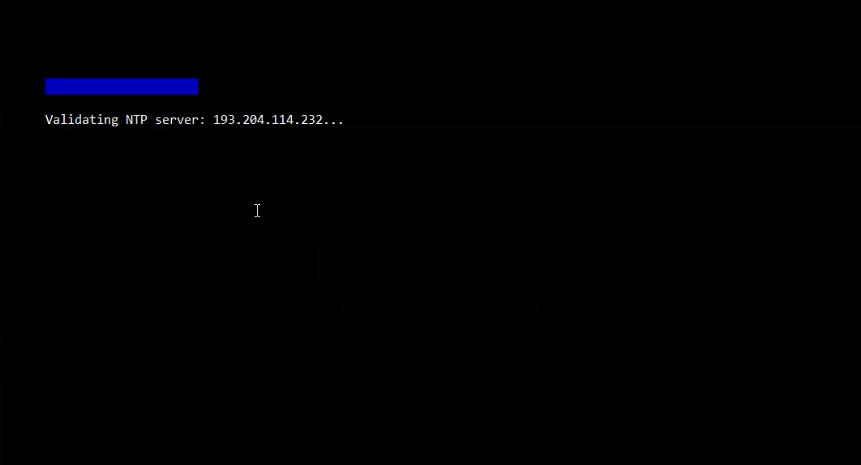
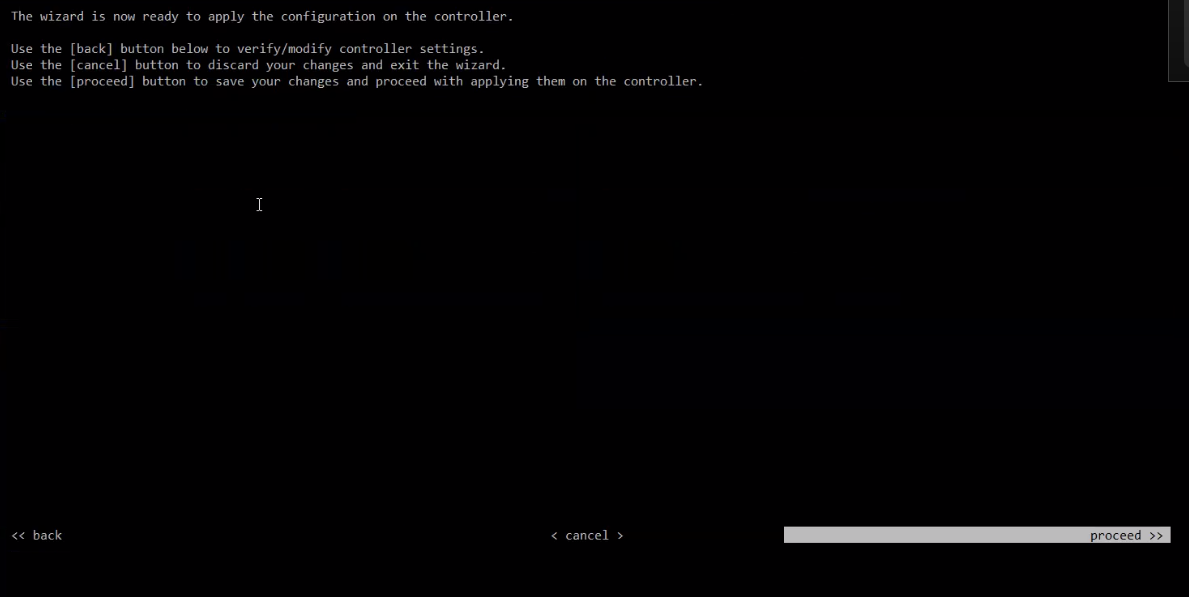
Starting from this point, the wizard is the same for both the ways and it will prompt you all the settings you can change divided by pages. Here you can chenges network adapter settings (enterprise port, intracluster port, management port, internet port), the cluster fqdn and virtual ip address, ntp settings:
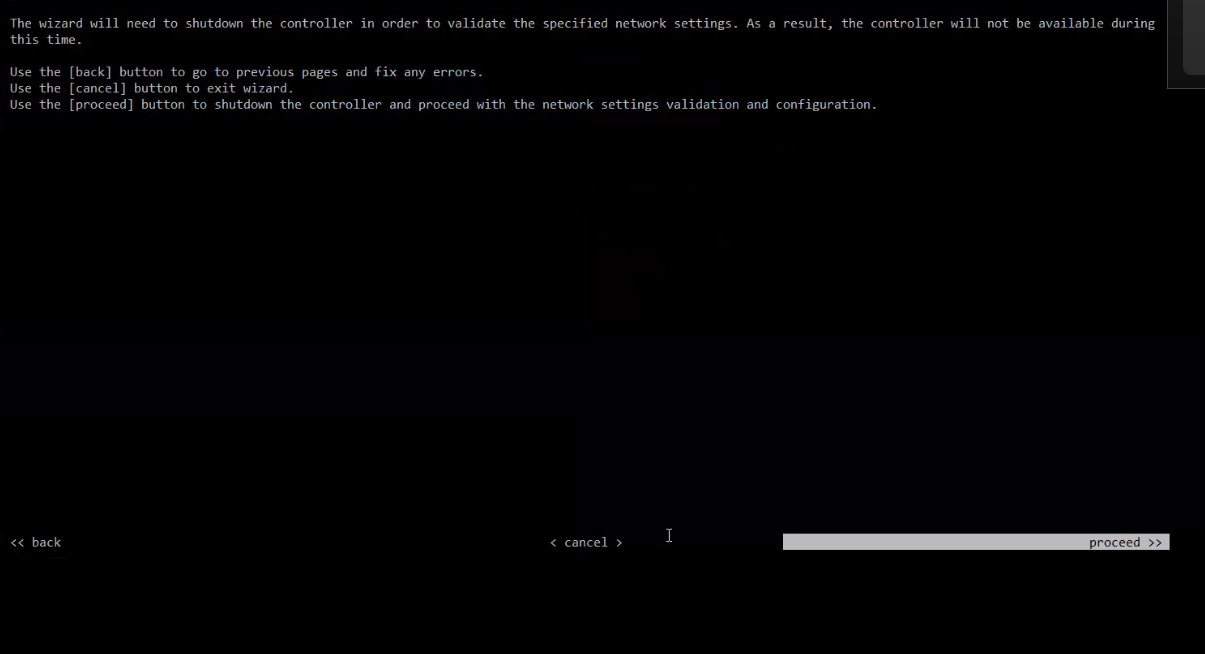
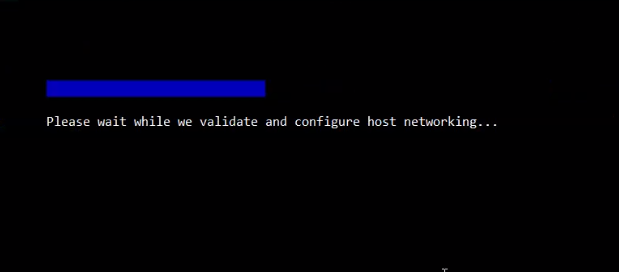
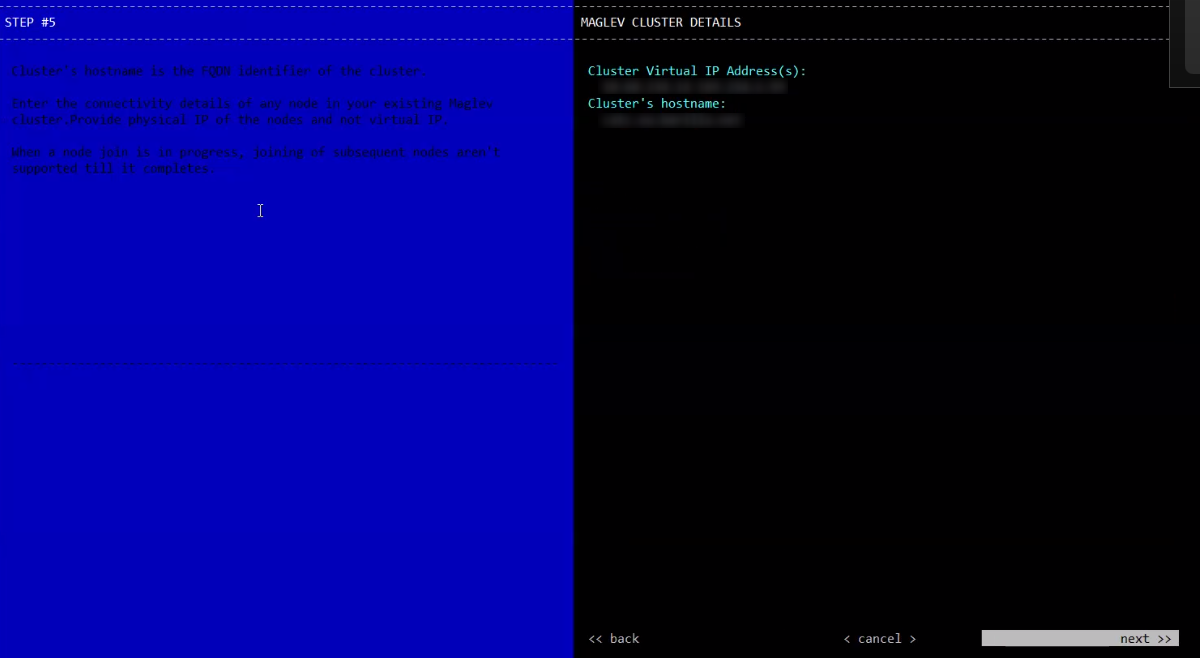
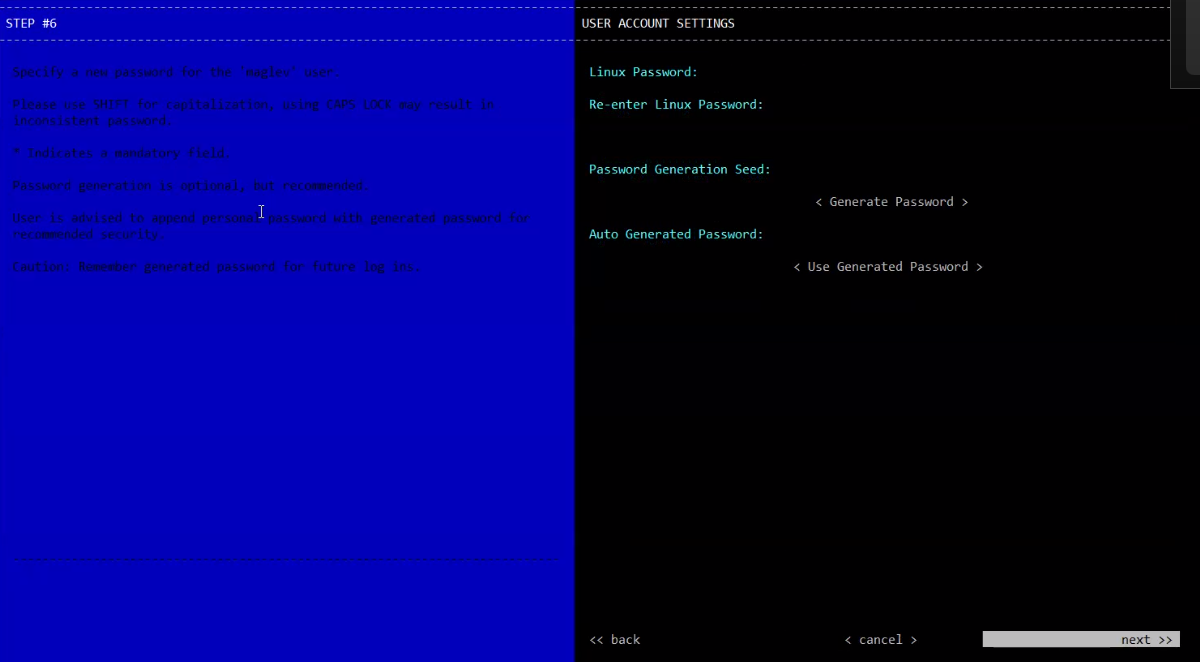
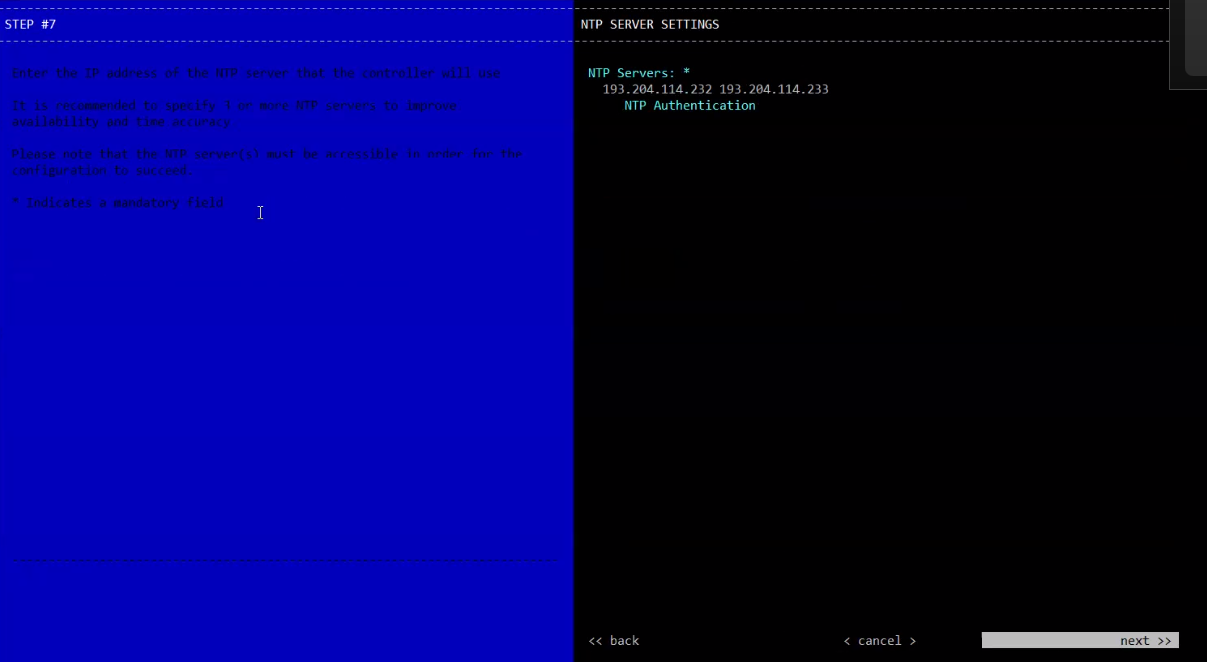
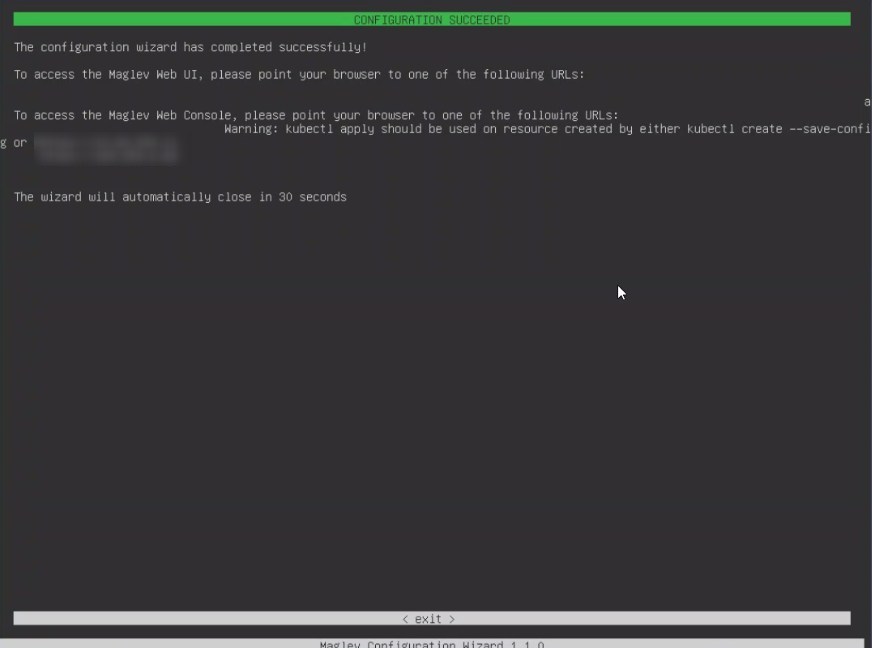
Once the process is over you will receive a confirmation message: