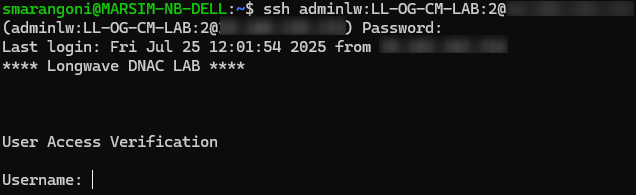
As i described in my last 2 posts about Opengear devices, they are offering a very comfortable and intuitive GUI to configure them and access remote devices but old habits are the hardest to die and sometimes we want to access our remote devices console port via CLI.
Opengear OM let you to connect remote devices in many ways, the first one is through OM port manager shell. You simply need to ssh to OM and type pmshell command, then you need to choose the port you want to connect to:
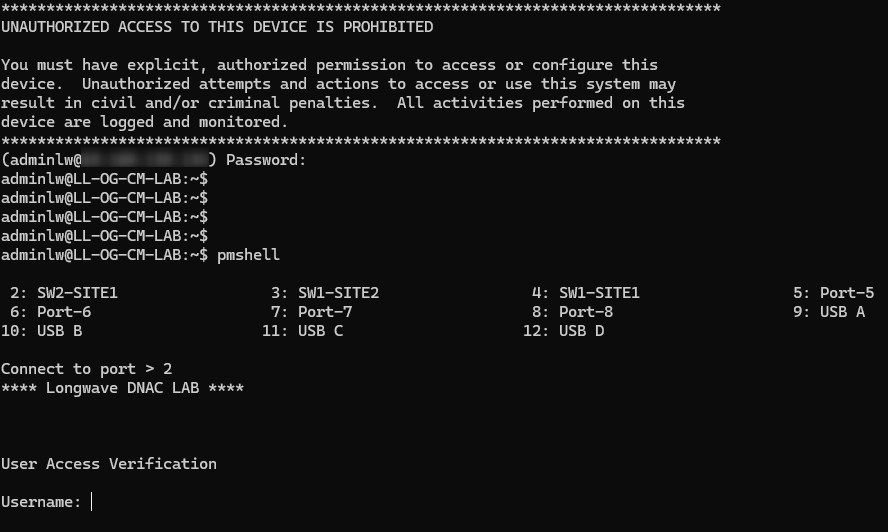
Operation Manager port manager shell
The second way to connect directly to a remote devices is to add the OM console port as an attribute into the ssh connection:
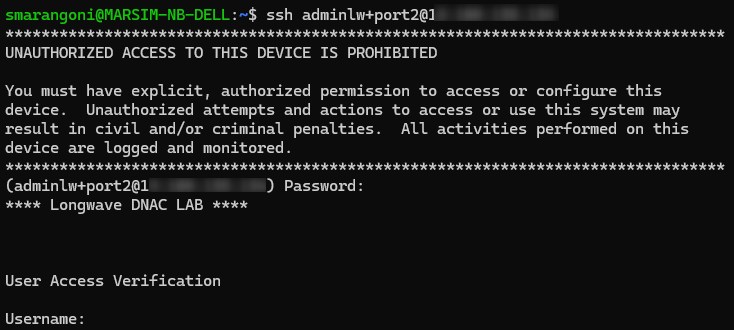
Operation Manager ssh + phisycal port
The third way is to use a TCP port as an attribute! TCP usable ports starts with 3001 and equal to serial port 1, 3002 equal to serial port 2 and so forth (N.B. This test is made from a switch in the same lan in order to bypass the firewall that blocks tcp port 3002 :) ).
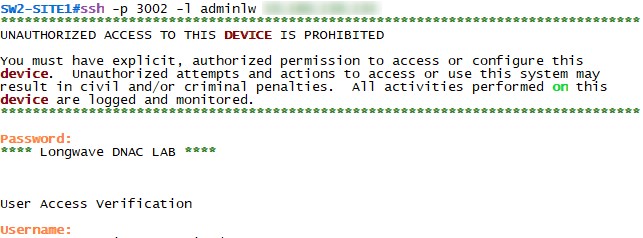
Operation Manager ssh + tcp port
The fourth way is to directly adding the port label to the username inside the ssh connection:
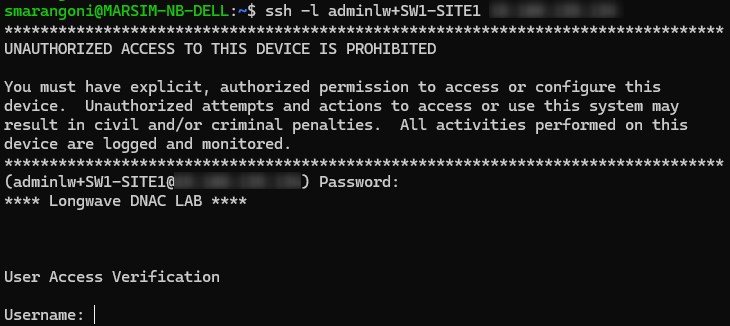
Operation Manager ssh + port label
If your infrastructure supports Lighthouse orchestrator you can use it as a reverse proxy in order to connect to a remote OM or directly to a remote console port. Also in this scenario there are many ways you can use LH to do it, the first one is to connect directly to the LH port (port1) and then select the OM you want to connect to:
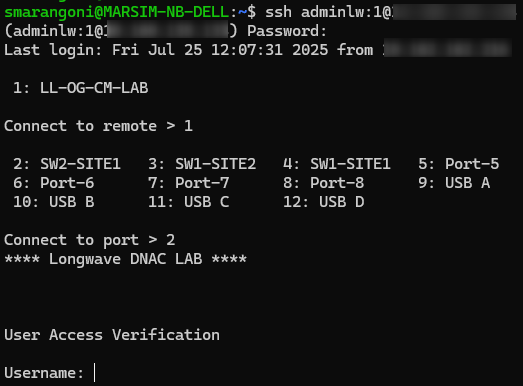
Lighthouse ssh
You can also directly access a specific OM using its hostname:
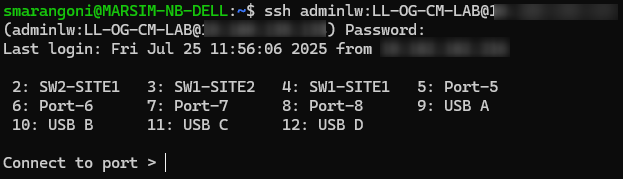
Lighthouse ssh + Operation manager hostname
Then you can access directly a remote console port using OM hostname and port name as attributes: