During this weeks i’m involved in a datacenter refresh project for a big customer so me and my team want to take advantage of this big opportunity to implement an out-of-band management network since the current implementation doesn’t have it (bad idea!) and use an in-band management.
An out-of-band network is a separate and parallel network that manage all the devices that composed the in-band network (where all the main services and traffic flows) without interfere negatively with the in-band traffic flow and add amount of traffic to it. An out-of-band management is also very very important in case of disaster since you can connect to the in-band devices through its management or serial port using a separate access and verify what’s happen!
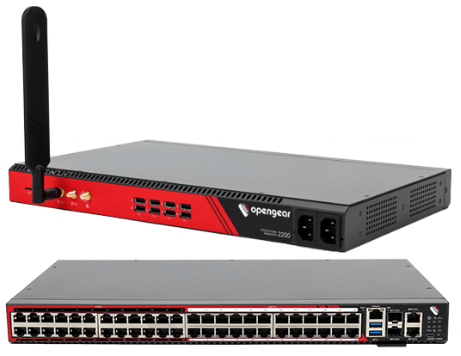
One of my favourite OOBM device is Opengear Operation Manager (https://opengear.com/), a switch form-factor device where you can find ethernet ports or console ports and, in some specific model, an LTE antenna with 2 SIM slot to access the device even you lost any kind of connections:
When you start configuring an Operation Manager you can connect directly your client to OM NET1 port where a static ip address is assigned (192.168.0.1/24), start an HTTPS session (https://192.168.0.1) and use a default credential (root/default).
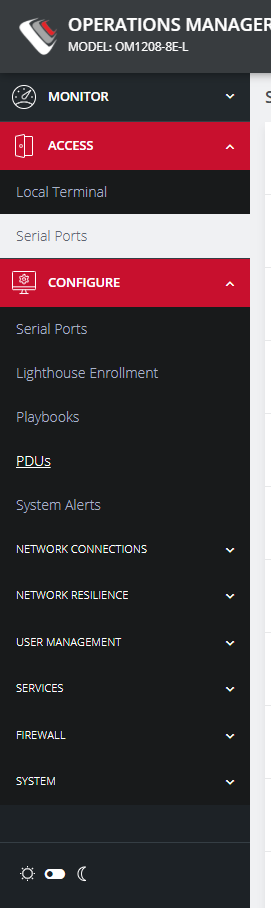
OM has a plenty of configurable option such as network connection, user management, Lighthouse (Opengear orchestrator) connection, firewall congifuration and so on. You can find all of them under the Configure menù:
One of the first configuration to do relates to network connection where you can set your desired ip address to the OM uplink. OM typically has 2 uplink interfaces, NET1 and NET2, and you can also bond them together into a “port-channel”:
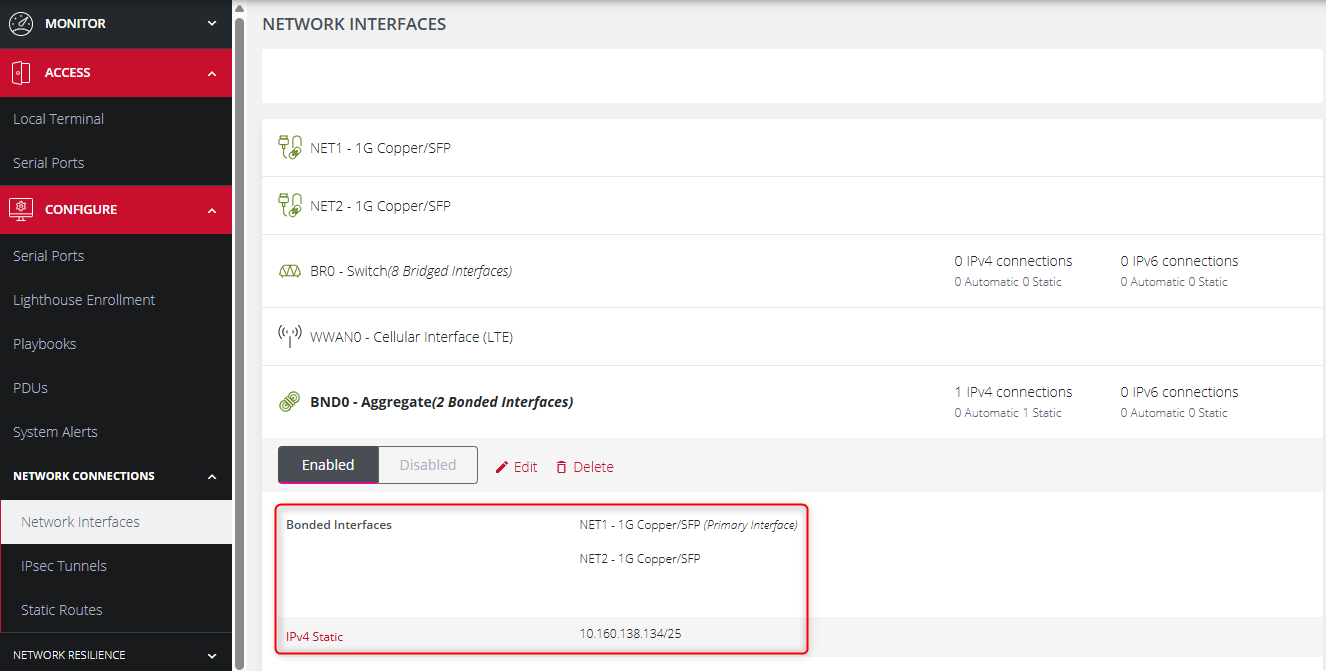
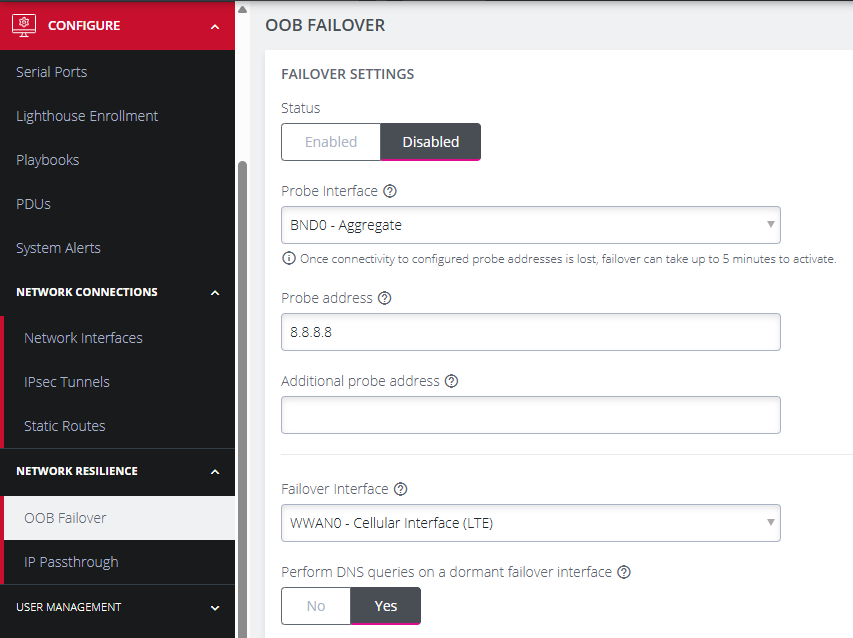
If you have the LTE OM model, you can configure the OOB Failover. Your primary uplink is your NET interface (or BOND interface) but if this fail you can force the OM to use the LTE interface. In order to check the primary uplink status you need to set one ore multiple destination probe and optionally you can set the uplink interface where the probe will be send out. If the probe fails hte failover occurs:
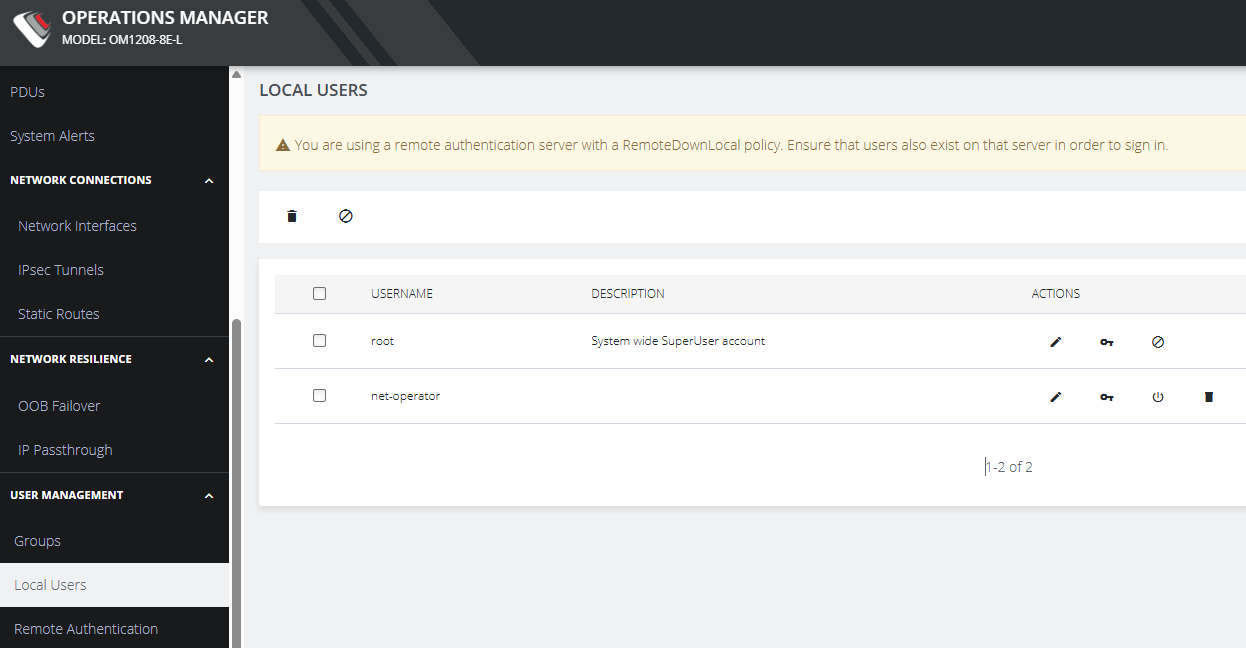
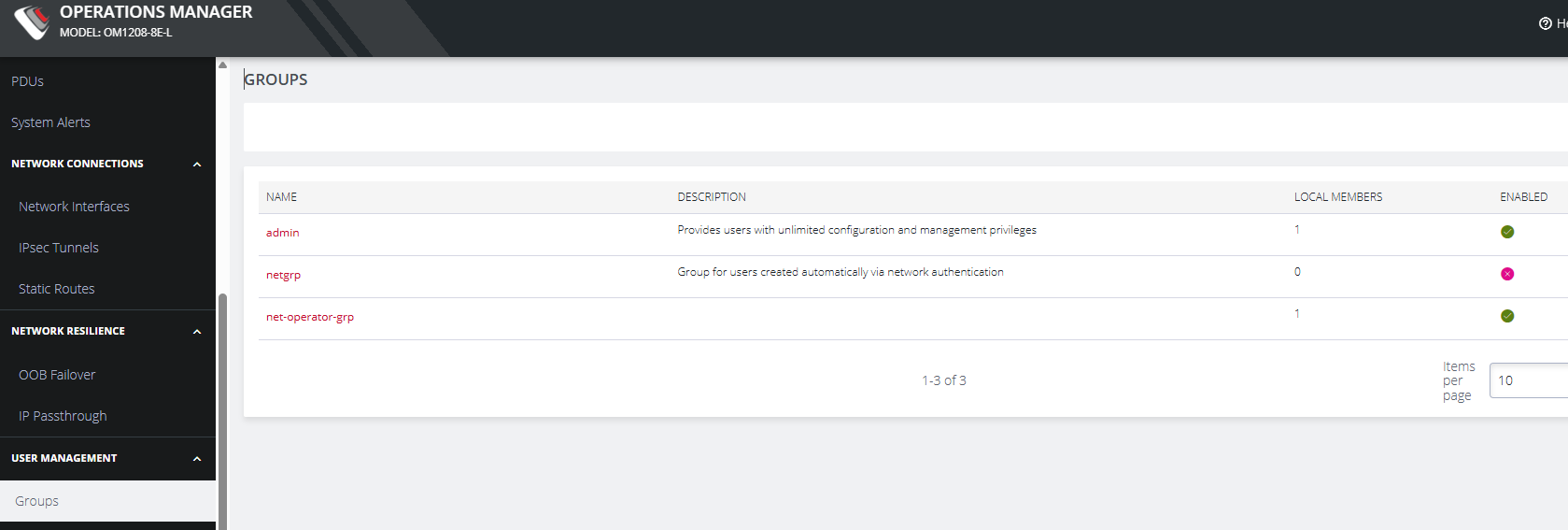
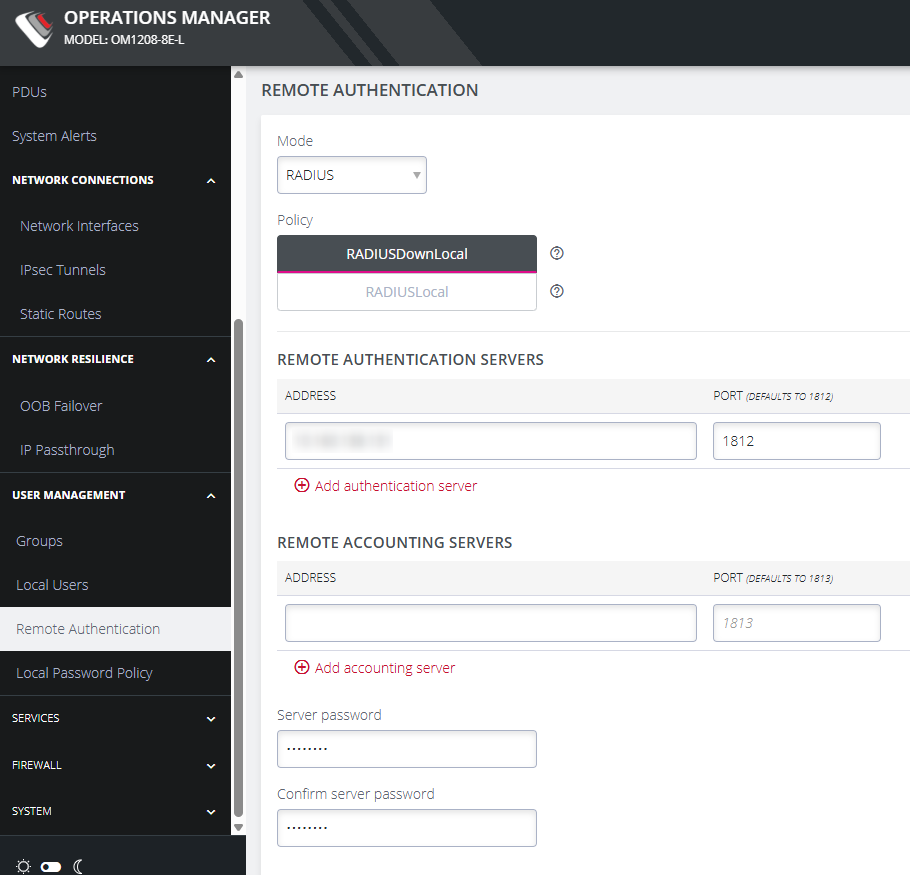
Regarding user management, you can obviously configure many local user and many user groups with different privilege levels or use the main remote authentication protocols (Radius, Tacacs+ and Ldap):
One of my favourite configuration option is the serial port autodiscovery, an automated job that discover the device and its information (e.g. hostname) connected to every OM serial port. In this mode you don’t need to manually configure every single port.
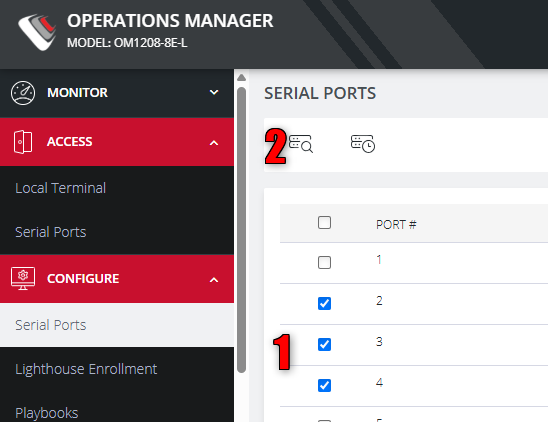
In the Serial Ports menù you simply need to select the serial port you want to discover and launch the job:
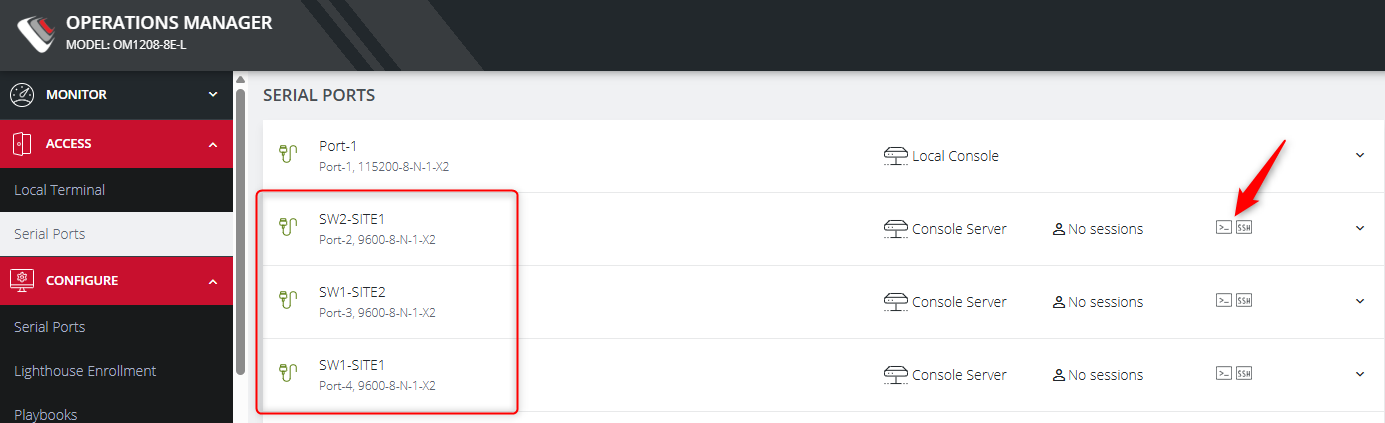
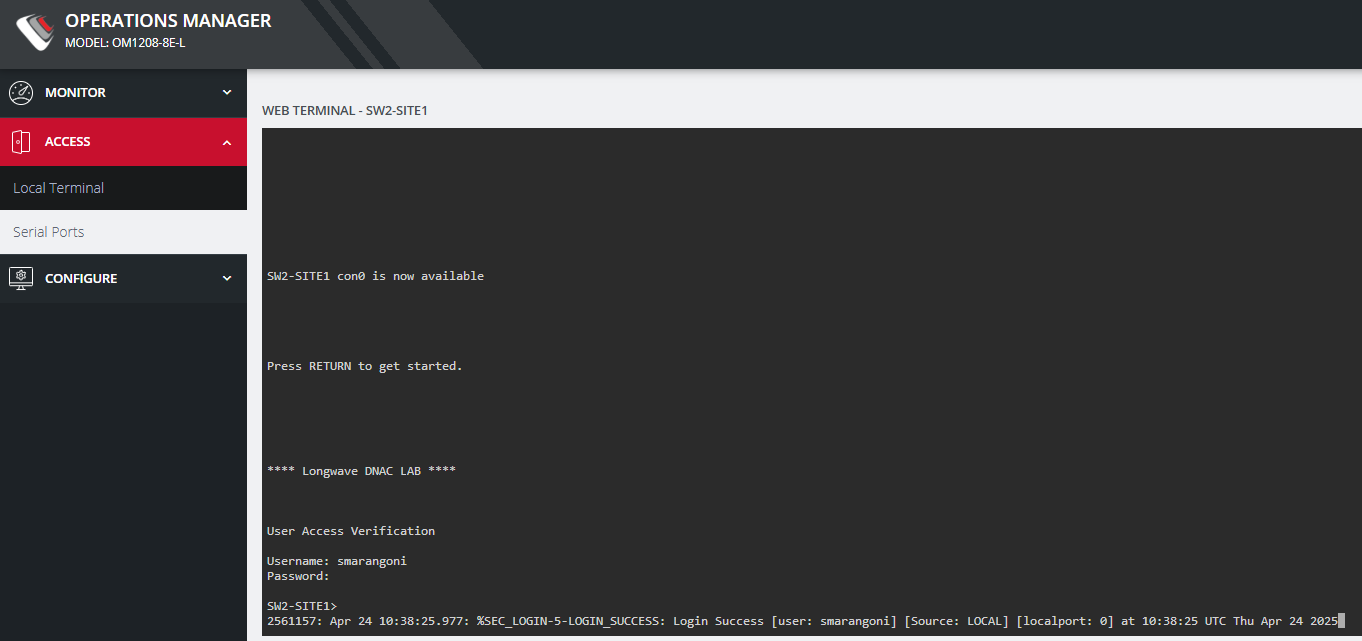
When the job finish you can find all the descovered device into the serial ports list and connect to the desired device: